SalesCalls CRM
Open-source cold calling CRM: lead management, call logging, follow-up scheduling, and team management in one self-hostable PHP app
The Problem
Sales teams at small and medium businesses needed a cold calling CRM they could fully own. SaaS alternatives required monthly subscriptions, did not allow data portability, and came with more complexity than most small teams would use. A self-hostable, open-source option that handled the full cold calling workflow simply did not exist.
Overview
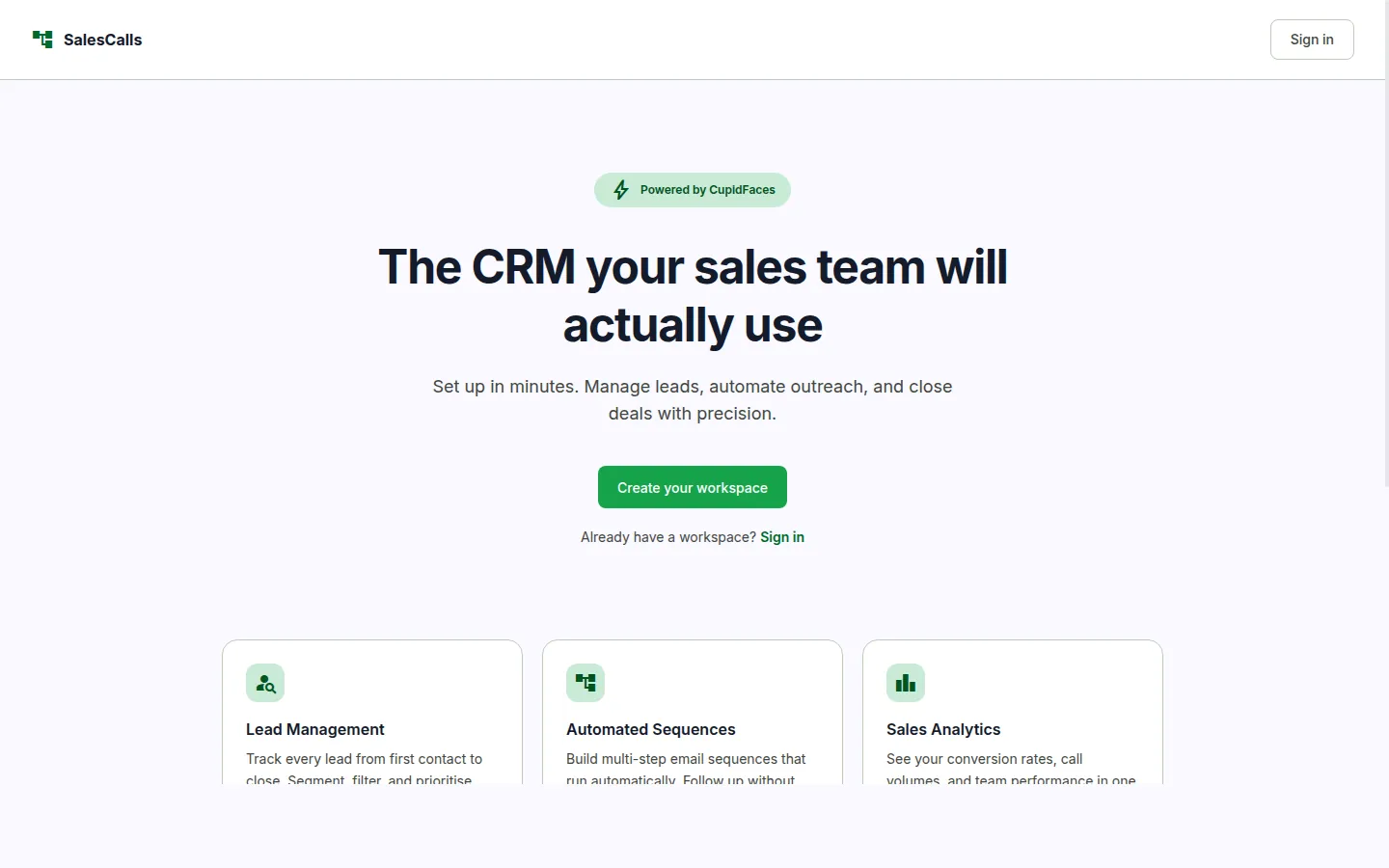
SalesCalls CRM is a self-hostable cold calling and lead management system built for sales teams that want full control over their data. It covers the full cold calling workflow: managing lead lists, logging calls with outcomes, scheduling follow-ups, emailing leads directly from the platform, and tracking team performance across projects.
The app is structured around projects, with each project having its own pipeline columns and lead pool. Admins can create projects, configure custom pipeline stages, manage team members, and assign leads across users. Custom fields let admins extend the lead record with any fields their sales process needs, without touching the code. Email is sent directly from the app using per-user SMTP configuration.
The project is open source under MIT and available to download and self-host on any PHP/MySQL server.
My Role
- Conceived the product and defined the full feature scope: lead management, call logging, follow-up scheduling, per-user email, team management, and CSV import/export
- Designed the lead permission model: owner full control, shared-edit, and shared-view tiers, based on how real sales teams actually collaborate on accounts
- Defined the pipeline structure: configurable stages per project that match the team's actual sales process
- Designed the call log workflow and outcome taxonomy: 6 states (no answer, left message, interested, not interested, callback, converted) with follow-up date surfaced on the daily dashboard
- Made the decision to use per-user SMTP rather than a shared platform address, preserving deliverability
- Specified the custom fields system: admins extend lead records via the UI without schema changes
- As a solo-stage project with no separate engineering team, I contributed directly to development alongside product ownership.
Stakeholders
- Sales teams (primary users)
- Sales managers and admins
- Open source community (post-release adopters)
Technical Context
Single PHP application running on MySQL. No framework: plain PHP with PDO for database access, session-based auth with role checks on every page.
Custom fields are stored in a custom_fields table and their values in lead_custom_values. Email is sent via PHPMailer using credentials stored in an email_settings table per user.
Key Decisions
Challenges
Discovery
The brief came from a cold calling team manager with a specific, practical problem. One of his team members could not use standard office tools on her phone, which was where the team's fieldwork happened. They were tracking leads in a shared spreadsheet that broke constantly, had no call log, and gave managers no visibility into activity. The decision to release it as open source came from recognising that the same problem existed across a lot of small sales teams.
Stakeholder Friction
There was no real debate around open source versus proprietary. The friction came post-launch, when it became clear that different teams had very different mental models of what a pipeline stage was. Configurable pipeline stages were added directly from that feedback rather than forcing teams to fit their process into a fixed structure.
Outcomes
Technology Decisions
What I'd Change
I would rebuild it in Next.js, make it multi-tenant, and add a proper cold email layer with lead sourcing. The PHP stack was the right call for speed of delivery and ease of self-hosting, but it limits how far the product can grow.